Framework for AI apps
and agents.
Build full-stack AI apps and agents with TypeScript and React.
npm create veryfront@latest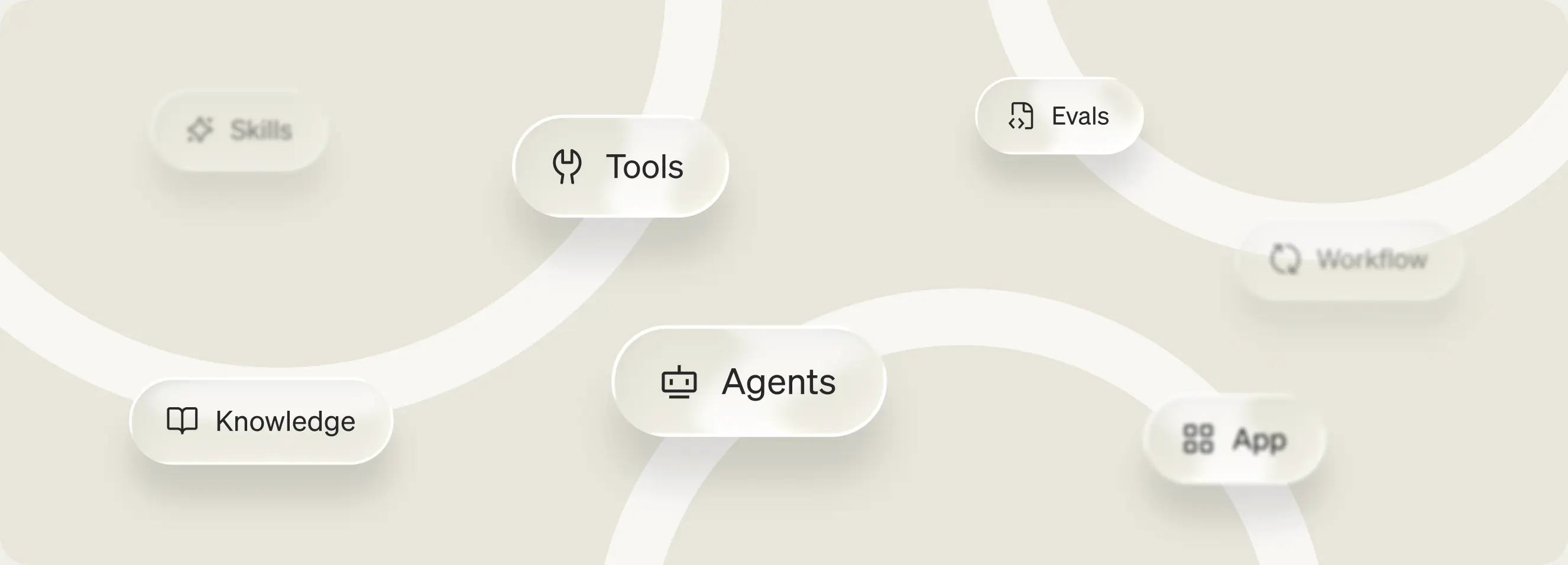
Open source on GitHub
Apache-2.0 licensed.
Runs on Node.js, Bun and Deno
Node.js 22.3 or later.
Built for coding agents
Dev server tools over MCP.
Everything is a file
Agents and tools in TypeScript. Skills and knowledge in Markdown.
Project structure
Top-level folders organize the AI building blocks for your app.
veryfront-project
- agents/
- skills/
- knowledge/
- tools/
- app/
- evals/
Agents
Connect agents to models
An agent is a file. Version, test and ship it in code.
veryfront-project
- agents/support-agent.ts
import { agent } from "veryfront/agent"; export default agent({ id: "support-agent", model: "openai/gpt-5-nano", system: "You are a customer operations agent for support escalation.", skills: ["support-escalation"], tools: true, maxSteps: 8,}); - skills/
- knowledge/
- tools/
- app/
- evals/
Skills
Teach agents skills
Package instructions as SKILL.md files in the Agent Skills format.
veryfront-project
- agents/
- skills/support-escalation/SKILL.md
---name: support-escalationdescription: Triage customer issues and prepare support escalation summaries.allowed-tools: - lookupCustomer - search_knowledge--- # Support Escalation 1. Use `lookupCustomer` to confirm the workspace, plan, and open incidents.2. Use `search_knowledge` for the symptom-specific runbook.3. Separate confirmed facts from assumptions.4. Draft the escalation with owner, evidence, impact, attempted fixes, and next actions. - knowledge/
- tools/
- app/
- evals/
Knowledge
Add knowledge
Turn your docs into context agents can search.
veryfront-project
- agents/
- skills/
- knowledge/login-troubleshooting.md
---title: Login troubleshootingdescription: Resolve sign-in, SSO, workspace, session, identity providertype: runbook--- # Login troubleshooting Use this when a customer cannot sign in, cannot complete SSO, or reports anaccount access failure. ## Triage checklist - Confirm whether the issue affects one user, one workspace, or all users- Verify that the user is signing in to the correct workspace.- Ask for the last successful login time, identity provider, browser - tools/
- app/
- evals/
Tools
Give agents typed tools
Typed functions your agents can call.
veryfront-project
- agents/
- skills/
- knowledge/
- tools/lookup-customer.ts
import { defineSchema } from "veryfront/schemas";import { tool } from "veryfront/tool";import { billing, crm } from "../lib/clients.ts"; export default tool({ id: "lookupCustomer", description: "Look up a customer's workspace, plan and open incidents by email.", inputSchema: defineSchema((v) => v.object({ email: v.string().describe("The customer's sign-in email"), includeIncidents: v.boolean().default(true) .describe("Also return the workspace's open incidents"), }) )(), execute: async ({ email, includeIncidents }) => { const customer = await crm.findByEmail(email); const plan = await billing.planFor(customer.workspaceId); const incidents = includeIncidents ? await crm.openIncidents(customer.workspaceId) : []; return { workspace: customer.workspace, plan, incidents }; },}); - app/
- evals/
App
Expose the agent over AG-UI
Stream agents into your app over AG-UI. No integration layer.
veryfront-project
- agents/
- skills/
- knowledge/
- tools/
- app/api/ag-ui/route.ts
import { createAgUiHandler } from "veryfront/agent"; export const POST = createAgUiHandler("support-agent"); - evals/
Evals
Evaluate the agent
Test tool calls and answer quality before you ship.
veryfront-project
- agents/
- skills/
- knowledge/
- tools/
- app/
- evals/support-triage.eval.ts
import { datasets, evalAgent, judges, metrics } from "veryfront/eval"; export default evalAgent({ id: "eval:support-triage", name: "Support triage quality", target: "agent:support-agent", dataset: datasets.json("evals/datasets/support-triage.json"), metrics: [ metrics.agent.calledTool("search_knowledge").gate(), metrics.agent.noFailedTools().gate(), metrics.knowledge.recallAtK({ k: 3 }).gate({ min: 0.75 }), metrics.knowledge.precisionAtK({ k: 3 }).soft({ min: 0.34 }), metrics.knowledge.mrr({ k: 3 }).soft({ min: 0.5 }), metrics.answer.groundedness({ judge: judges.llm.groundedness(), }).gate({ min: 0.8 }), ],});
Get started with Veryfront Code
Start locally. Push to the cloud.
1. Create a project
npm create veryfront@latest my-agent2. Run it locally
cd my-agent && npm run dev3. Push to the cloud
npx veryfront@latest login && npx veryfront@latest push