Local-first AI development with Veryfront Code and LM Studio

Table of Contents
Overview
Run a Veryfront Code agent with a local model through LM Studio, keeping inference on your machine while preserving the same project structure you can use with hosted models later.
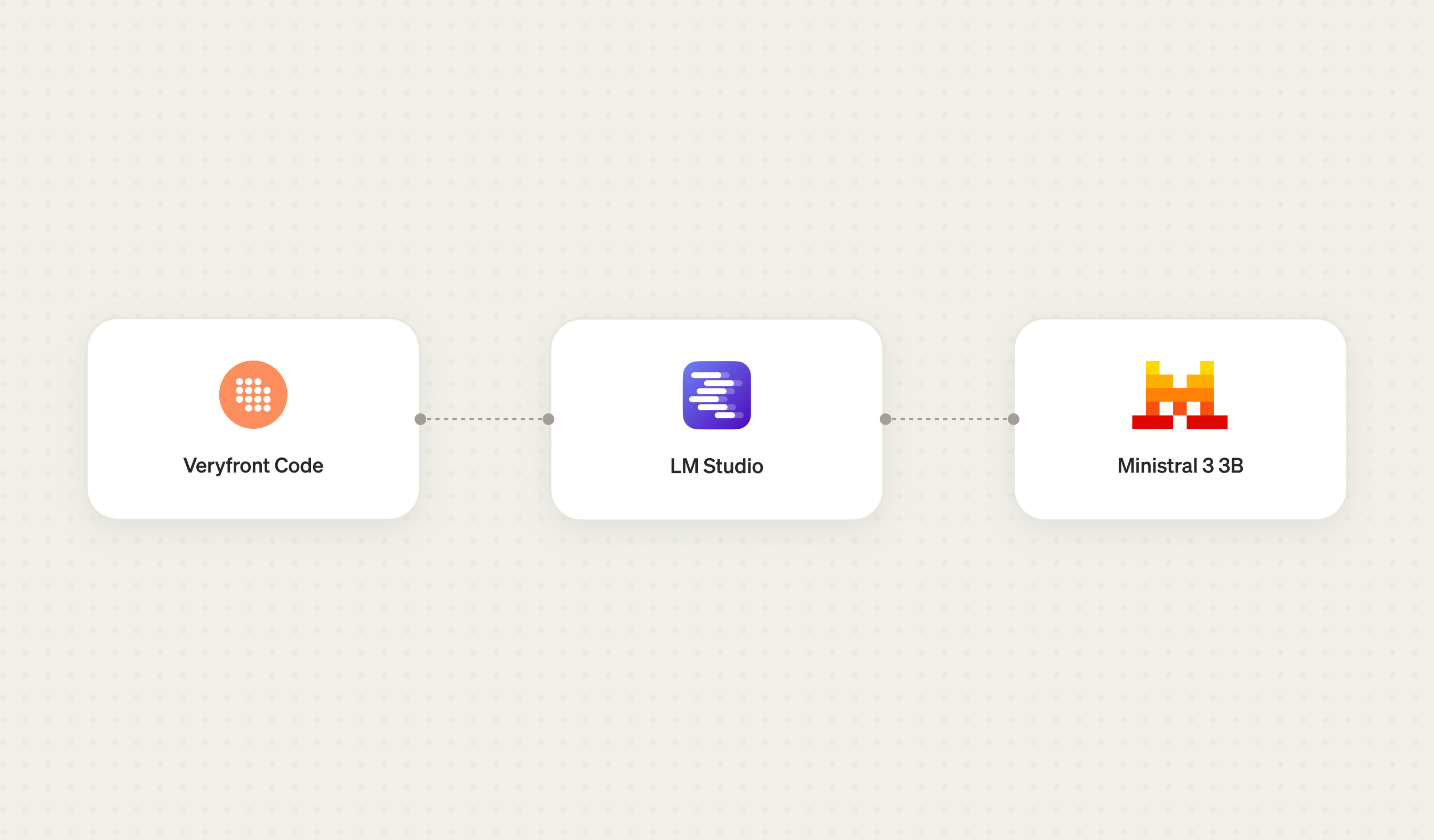
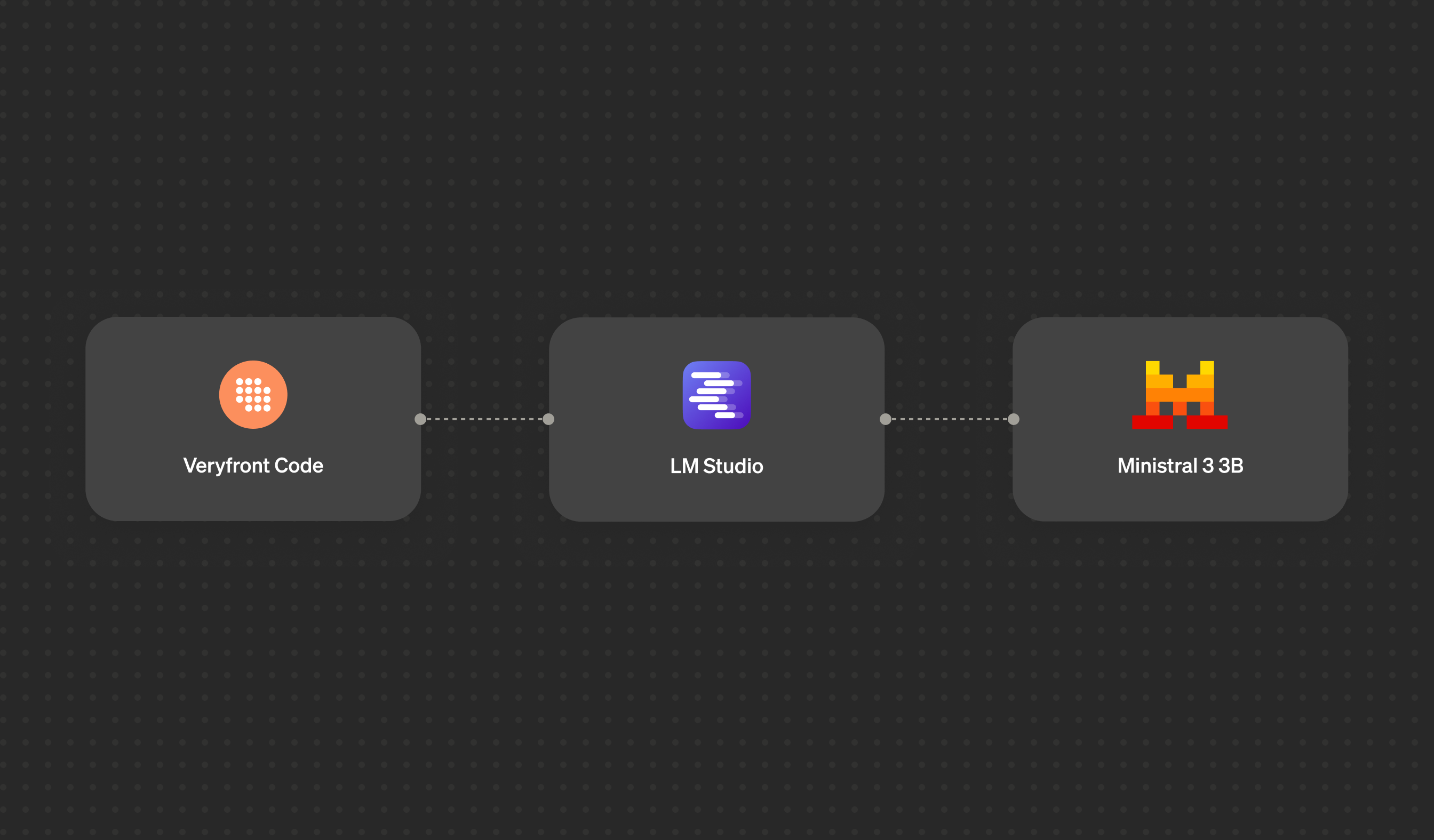
- Veryfront Code — Holds the application, agent, tools, and knowledge, and calls the local API.
- LM Studio — Runs locally and exposes an OpenAI-compatible API for local inference.
- Ministral 3 3B — The LLM that generates the agent's responses on your machine.
Start LM Studio
You need Node.js 22.3 or later and LM Studio. This guide uses its headless daemon. Install it with:
curl -fsSL https://lmstudio.ai/install.sh | bashThe installer also provides the lms CLI. Start the daemon, download the model,
and start the inference server:
lms daemon up lms get mistralai/ministral-3-3b --gguf lms load mistralai/ministral-3-3b \ --identifier mistral-local \ --context-length 8192 lms server start --port 1234 --bind 127.0.0.1lms server statusThe final command should report:
The server is running on port 1234.The server is now available only to applications on your machine.
Create a Veryfront app
Scaffold your project using the ai-agent template:
npm create veryfront@latest local-assistant -- --template ai-agentcd local-assistantThe scaffold creates the following files:
.├── agents│ └── assistant.ts├── app│ ├── api│ │ └── ag-ui│ │ └── route.ts│ ├── layout.tsx│ ├── markdown-renderer.tsx│ └── page.tsx├── evals│ └── assistant.eval.ts├── public│ └── favicon.svg├── tools│ └── calculator.ts├── .gitignore├── AGENTS.md├── README.md├── globals.css├── globals.d.ts├── package-lock.json├── package.json└── tsconfig.jsonCreate .env.local in the project root and define the following environment
variables:
OPENAI_API_KEY=lm-studioOPENAI_BASE_URL=http://127.0.0.1:1234/v1VERYFRONT_HOST_ALLOWED_INTERNAL_PROVIDER_ORIGINS=http://127.0.0.1:1234The local LM Studio server does not require a token by default, but the
OpenAI-compatible provider expects a non-empty value. Veryfront also blocks
loopback provider requests unless the exact origin is allowlisted. Keep this
allowlist scoped to 127.0.0.1:1234 and use it only with trusted project code.
Update agents/assistant.ts:
import { agent } from "veryfront/agent"; export default agent({ id: "assistant", name: "Local assistant", model: "openai/mistral-local", system: "Report the calculator's results exactly.", tools: { calculator: true }, suggestions: [ { title: "Multiply numbers", prompt: "Use the calculator to multiply 123 by 456." } ]});Start the app
Start the Veryfront development server:
npm run devUse the app
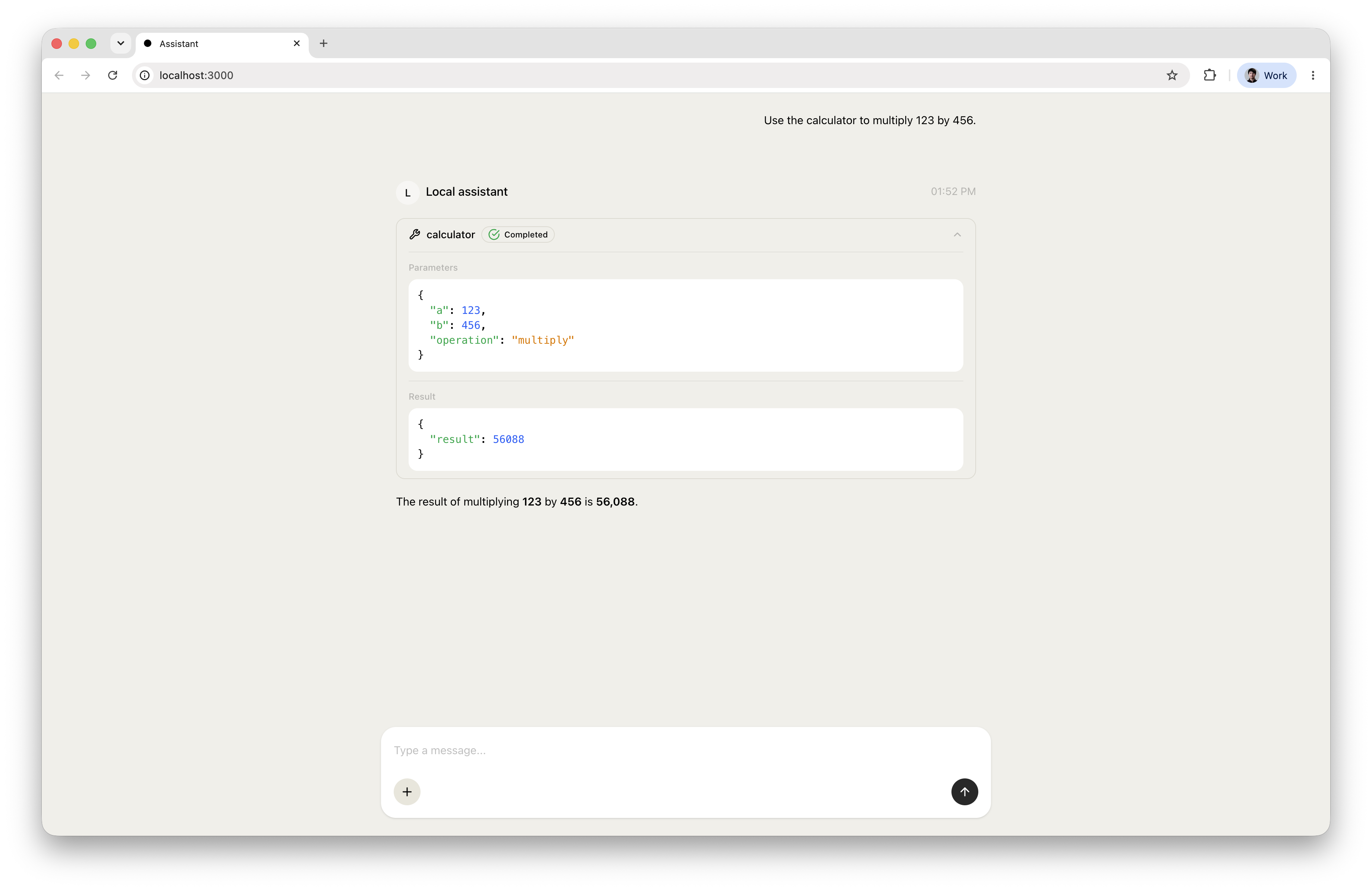
Open http://localhost:3000.
Select the suggestion or send the same message yourself:
Use the calculator to multiply 123 by 456.The agent calls the tool and responds using the model running on your machine.
Evaluate the agent using LLM-as-Judge
Update evals/assistant.eval.ts and configure the LLM-as-Judge to use the
openai/mistral-local model:
import { datasets, evalAgent, judges, metrics } from "veryfront/eval"; export default evalAgent({ name: "Assistant smoke test", target: "agent:assistant", dataset: datasets.inline([ { id: "calculator", input: "Calculate an 18% tip on $84.50, split the total among three people, and explain the result briefly.", reference: "The tip is $15.21 and the total is $99.71. Two people pay $33.24 and one pays $33.23.", }, ]), metrics: [ metrics.agent.calledTool("calculator").gate(), metrics.agent.noFailedTools().gate(), metrics.judge.rubric({ rubric: [ "The answer must state a tip of $15.21 and a total of $99.71.", "It must split the total into $33.24, $33.24, and $33.23.", ].join(" "), judge: judges.llm.rubric({ model: "openai/mistral-local" }), }).gate({ min: 0.8 }), ],});Both the agent and LLM-as-Judge use the model served by LM Studio, so all model inference during the evaluation stays on your machine.
Run the eval:
npm run evalThe evaluation passes all three gates:
Eval: Assistant smoke testTarget: agent:assistantResult: 1/1 passed (100%) ● Agent called tool "calculator": 1/1 passed (100%)● Agent had no failed tool calls: 1/1 passed (100%)● LLM as a judge passed: 1/1 passed (100%) Eval suite: 1/1 passedKnow the privacy boundary
Local model inference keeps the model request on your machine, but that does not automatically make every part of an application local.
Tools can call external APIs. Applications can use remote databases. Logging and observability can send data to external services.
When privacy matters, inspect the complete path that data takes through the application. LM Studio gives you control over one important part of that path: model inference.
Keep the inference layer replaceable
Veryfront gives you the flexibility to choose where model inference runs, independently of where the application is developed or deployed. The same project can use different inference options:
- A local model running on your machine with LM Studio, Ollama, or directly inside the application.
- A self-hosted model running in your own infrastructure.
- A managed model accessed directly from a provider or through Veryfront Cloud.
The model binding and provider configuration change; the agent, tools, UI, and evals stay in the same project.