See who signed in to your account, and who invited, changed or removed its members, newest first.
Before you start
You need to be an owner or admin of a team account. See Invite someone to the account.
See the audit log
-
Open Account settings > Audit log. You should now see the last 7 days' events, newest first, with each one's Time, Actor, Event and Target.
-
Click Filters.
-
Click Event.
-
Pick Member removed. You should now see only the removals.
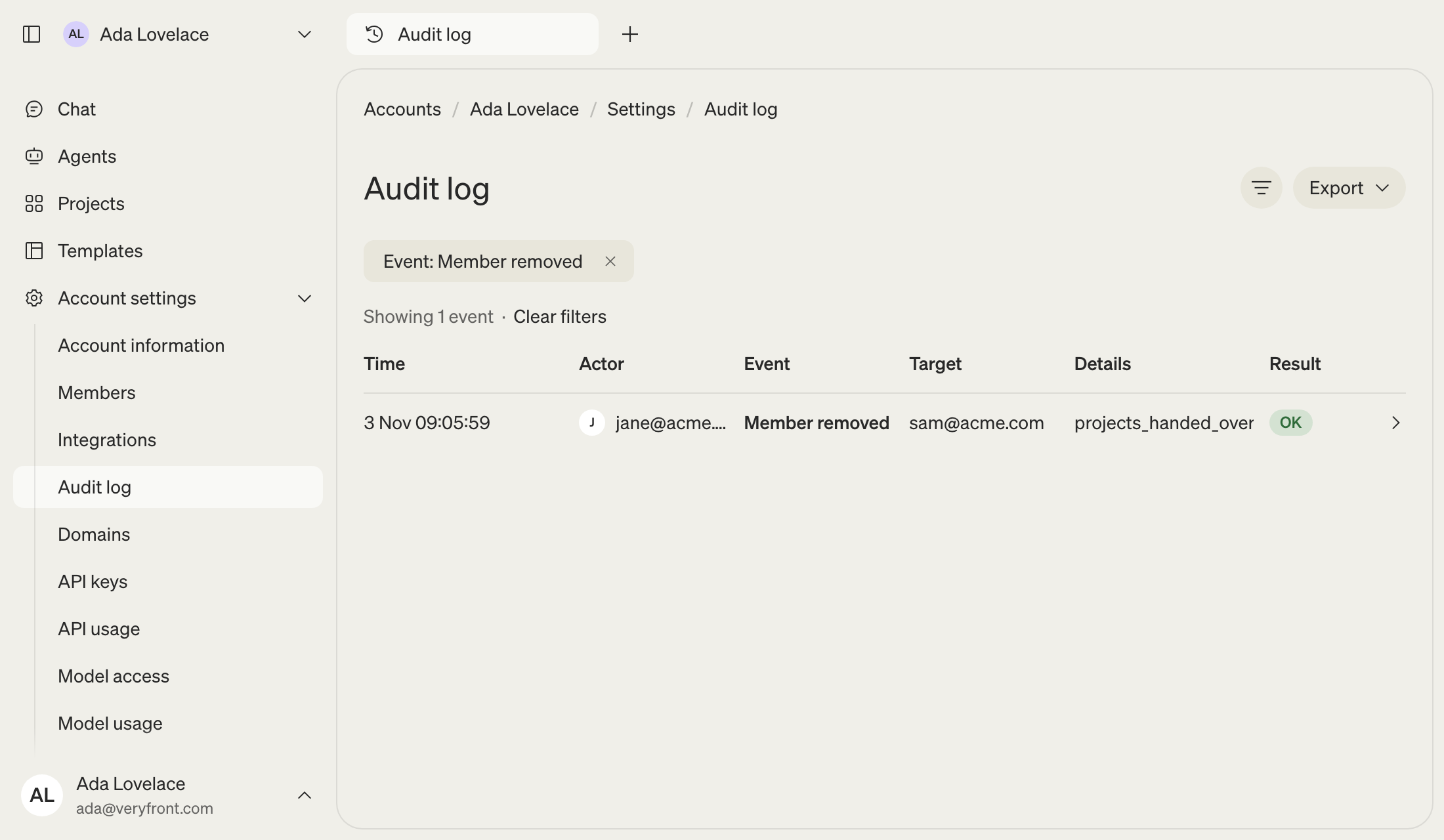
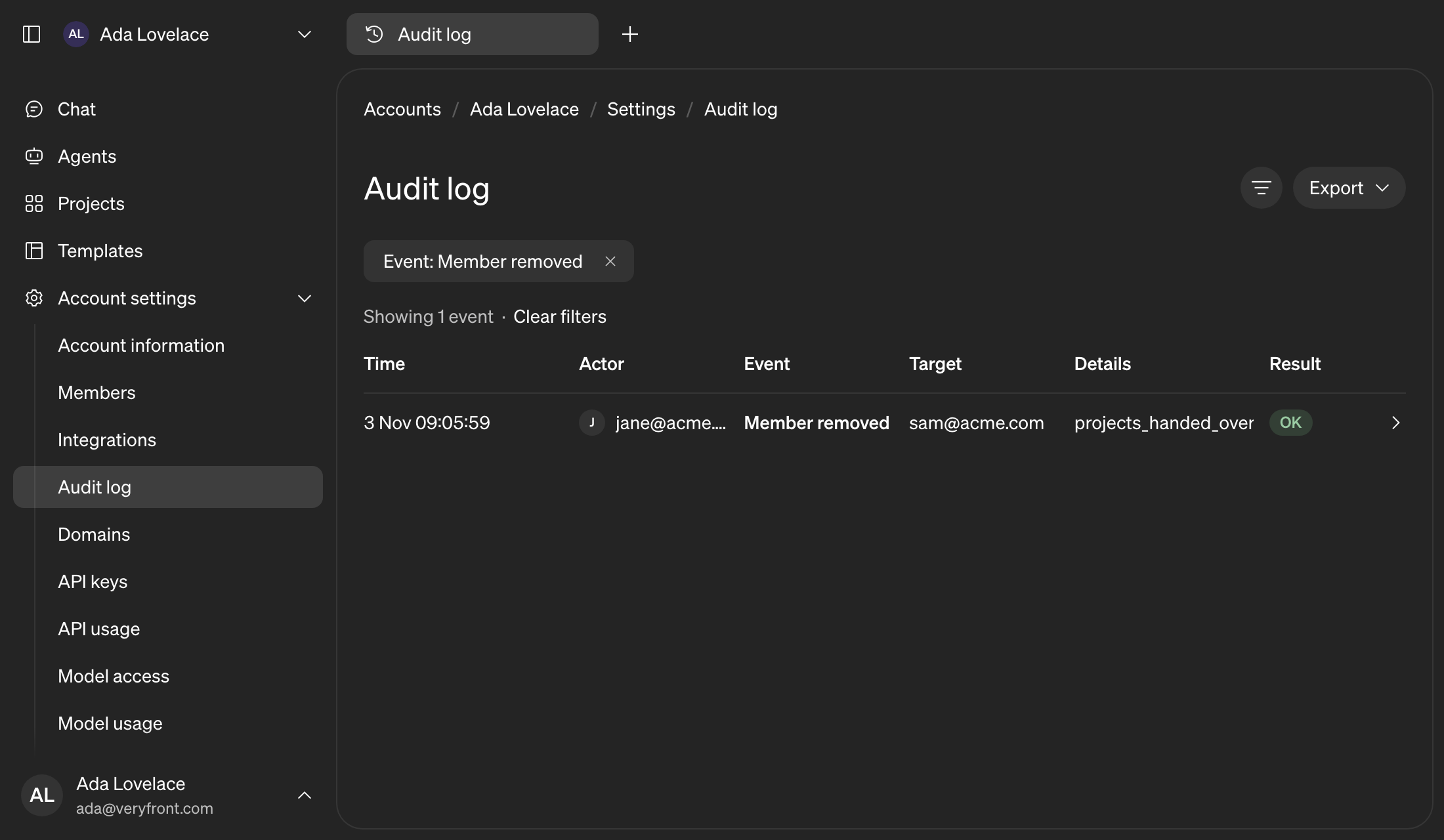
-
Click Export.
-
Click Export CSV. You should now see a CSV file download with every event the filters match.