Withdraw an agent, and everyone you gave it to loses it at once. The agent stays in its project.
Before you start
You need an agent made available in the account. See Make an agent available in the account.
Withdraw an agent
-
Open Agents.
-
Open the ⋯ menu on the agent's card.
-
Click Withdraw agent.
-
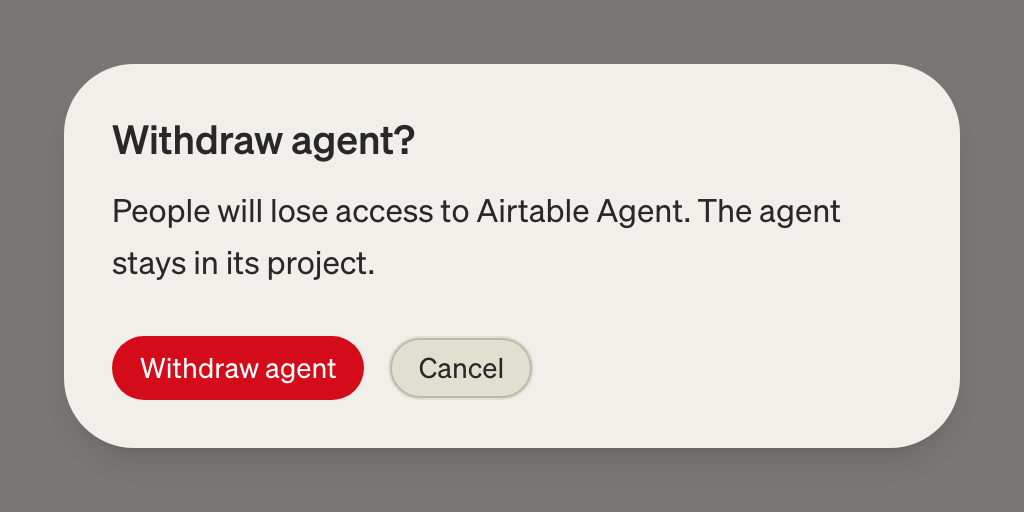
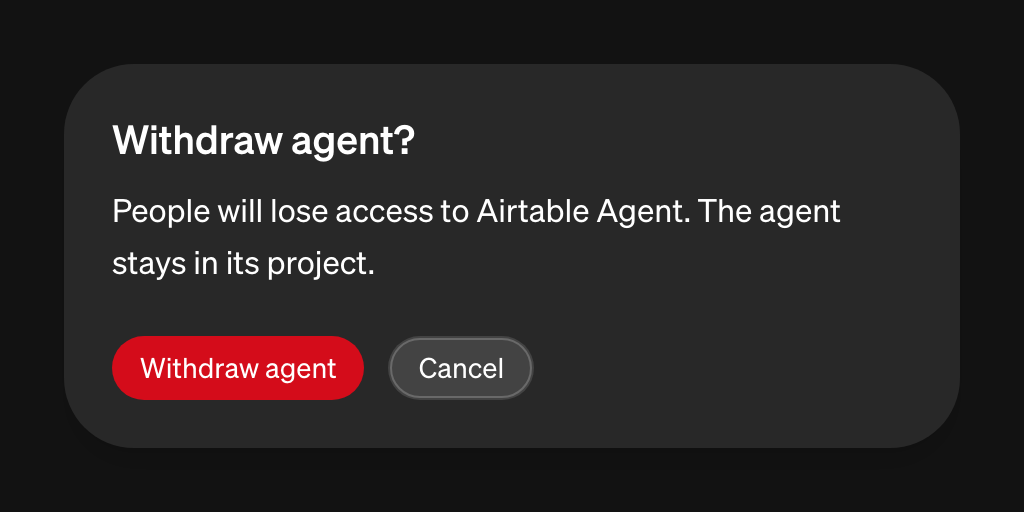
Click Withdraw agent in the dialog. You should now see "Withdrawn" on the card.
If you see "The agent changed. Reload before withdrawing.", click Reload, then withdraw it again.