Chat with an agent someone on your team gave you. You don't need a project.
Before you start
You need to be in a team account, and an account admin needs to give you the agent. See Join a team account.
Chat with a shared agent
-
Open Agents.
-
Click the agent.
-
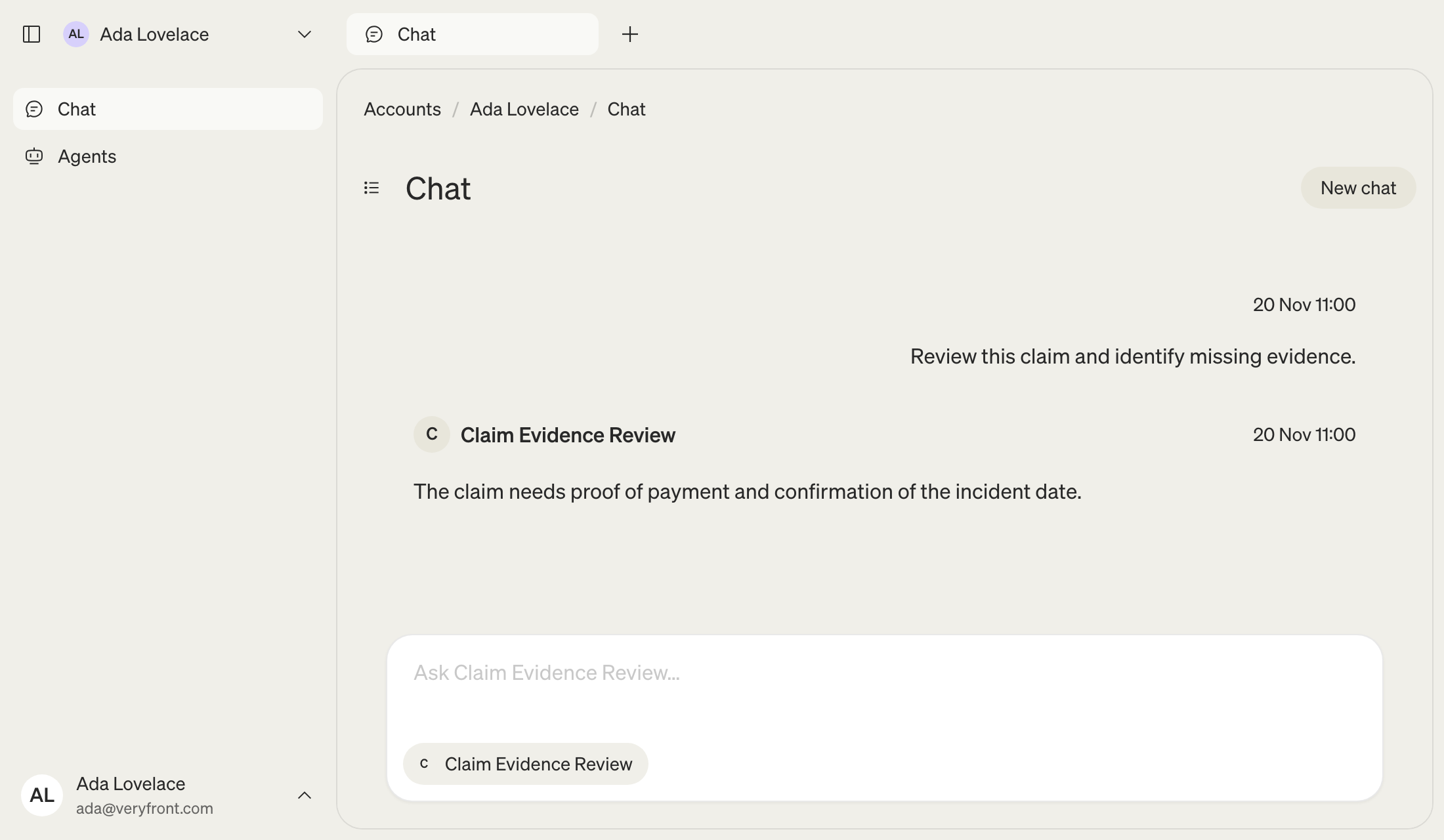
Write your task in the message box.
-
Press Enter. You should now see the agent's reply.
If you see "No agents shared with you yet", ask an account admin to give you one.
If you see "This agent is no longer available to you.", ask an account admin to give it to you again.