Make one of your agents available in your account, so an account admin can give it to people who aren't in your project.
Before you start
You need a project in a team account, with your agent in a Production release. See Publish a release.
Make the agent available
-
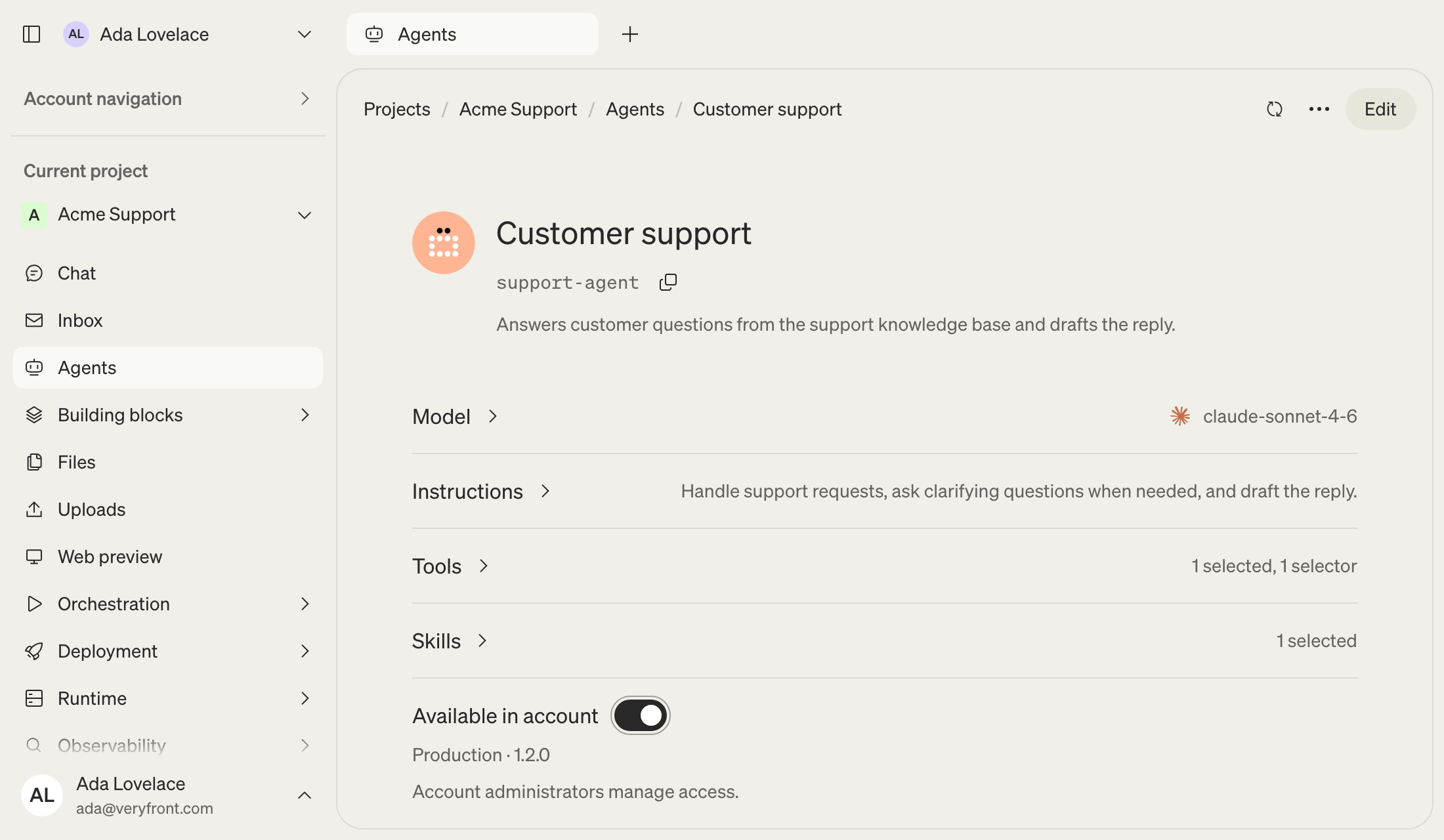
In your project, open Agents.
-
Click your agent.
-
Turn on Available in account. You should now see "Account administrators manage access."
If you see "Deploy a production release first.", publish a release with the agent in it, then turn it on.