Revoke a pending invitation to your account, and its link stops working.
Before you start
You need a pending invitation. See Invite someone to the account.
Revoke an account invitation
-
Open Account settings > Members.
-
Open the ⋯ menu on the invitation.
-
Click Revoke invitation.
-
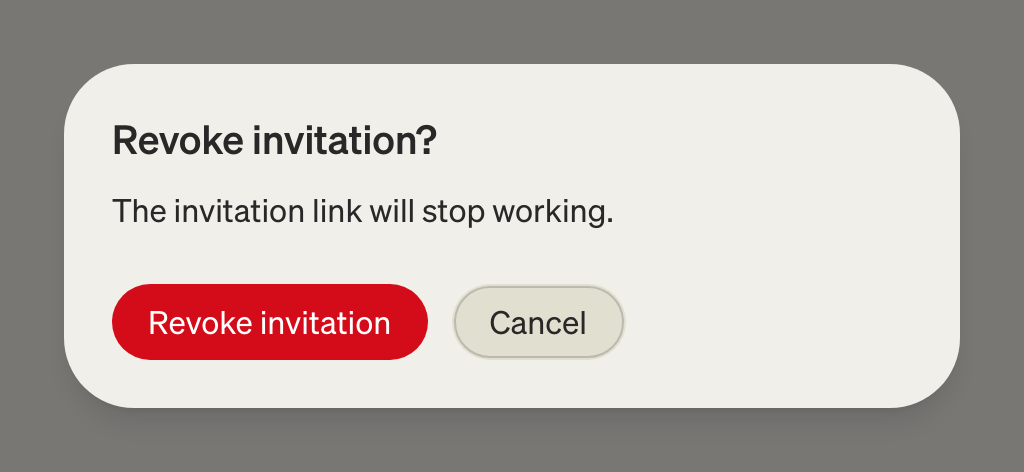
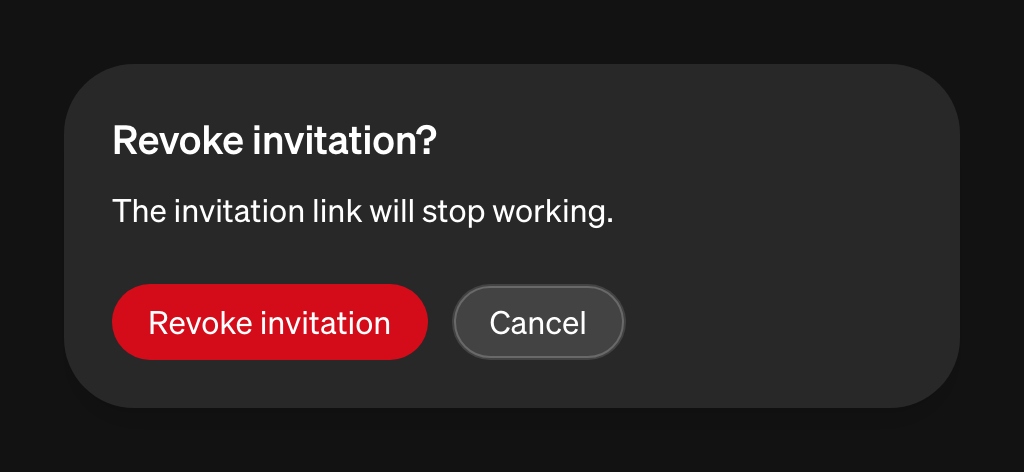
Click Revoke invitation in the dialog. You should now see "Invitation revoked" and No pending invitations.