Change the card your plan is paid with on Stripe's page.
Before you start
You need a paid plan billed in Studio, and to be the account's owner or an admin, who manage its billing. See Change plan.
Change the card
-
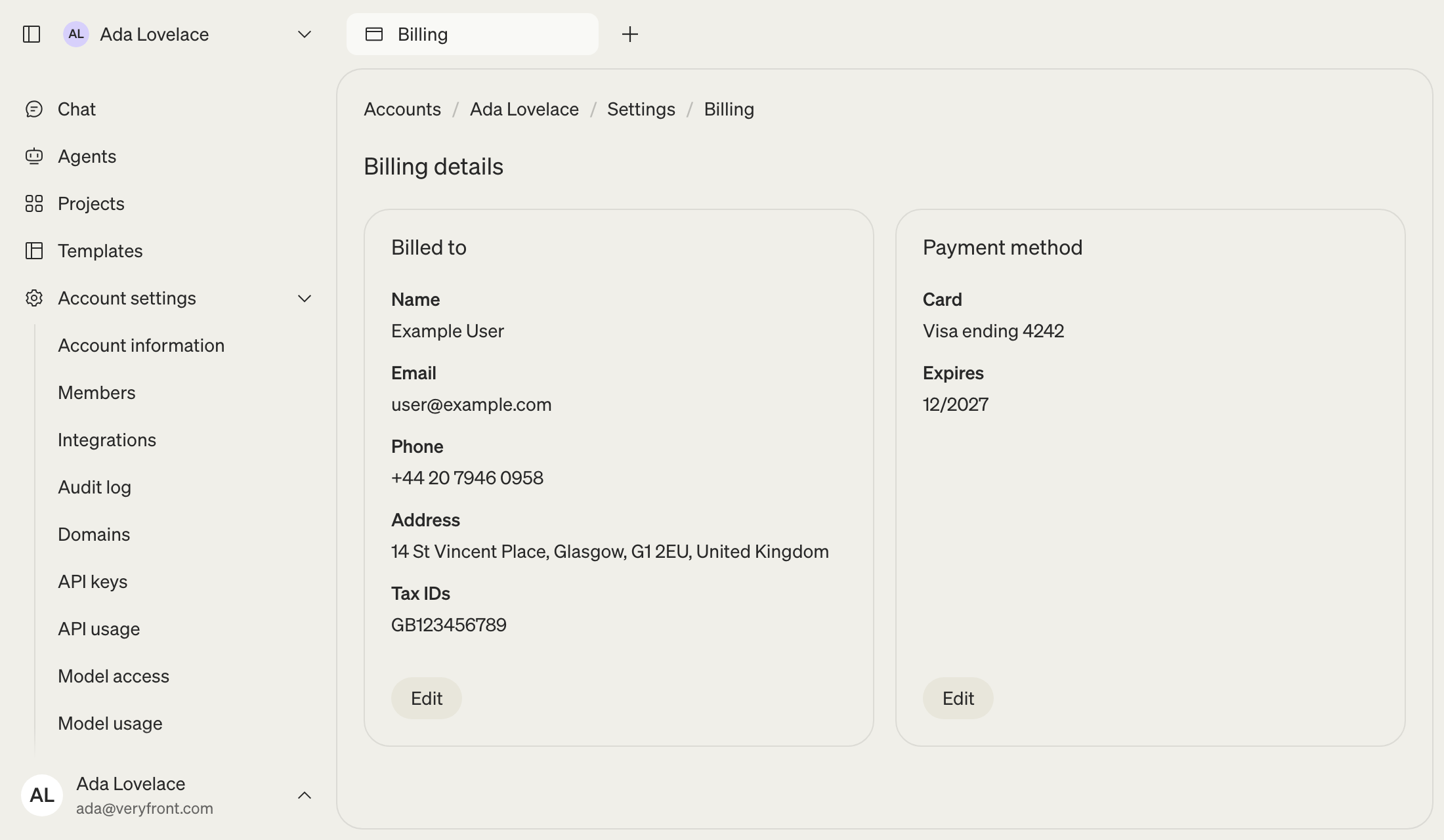
Open Account settings > Billing.
-
Under Payment method, click Edit. On a new plan it reads Add payment method.
-
Enter the new card on the Stripe page that opens. You should now see the new card's last four digits under Payment method when you come back.