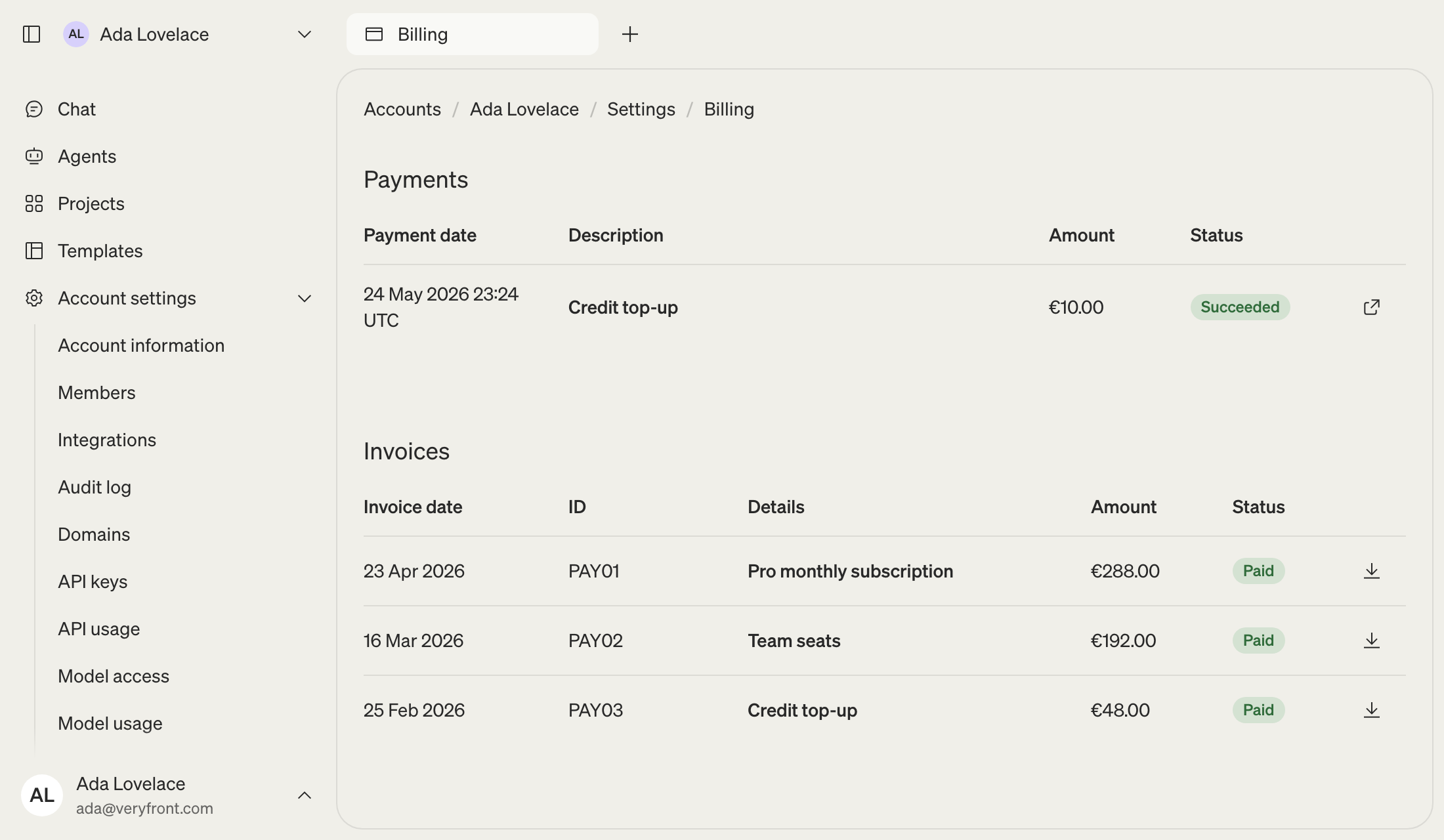
Every payment for a paid plan has an invoice under Billing.
Before you start
You need a paid plan billed in Studio, and to be the account's owner or an admin, who manage its billing. See Change plan.
Download an invoice
-
Open Account settings > Billing.
-
Under Invoices, click Download invoice on the invoice's row. You should now see the invoice open in a new tab.