Set a monthly budget on a project member to cap what they spend on AI.
Before you start
You need someone you invited to the project. See Give someone project access.
Limit a person
-
In your project, open Project settings > Members.
-
Open the ⋯ menu on the row of someone you invited (Give someone project access).
-
Click Set budget.
-
Enter
20as the Budget.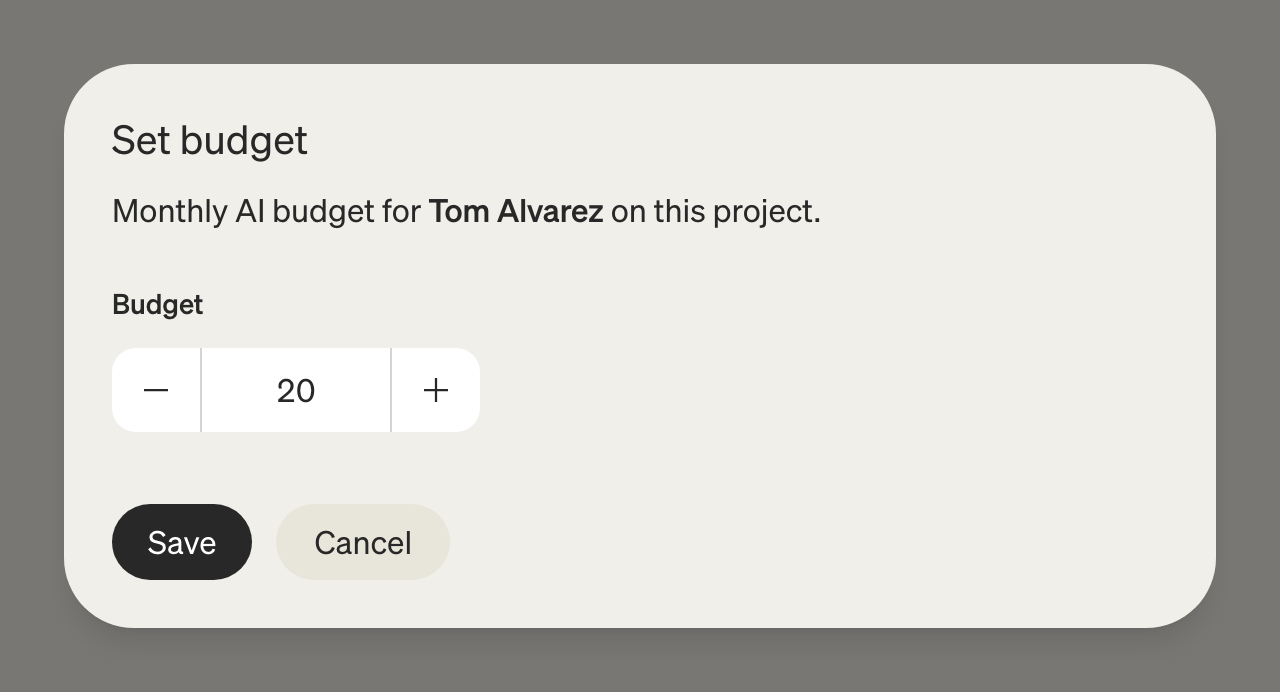

-
Click Save. You should now see Budget show 20 in their row.